Python 可以通过路由器后台提供的 HTTP 接口实现自动登录、重启和流量读取,但接口路径、请求格式和返回字段都与具体型号、固件版本有关。本文保留原 4G 路由器的实测思路,并把示例改为会话保持、环境变量密码、超时和错误处理版本。
安全边界:只测试你本人拥有或明确获授权管理的路由器。不要把后台暴露到公网,不要保留默认密码,不要在代码、截图或日志中写入真实密码和 Cookie。HTTP 后台会明文传输凭据,应仅在可信局域网中使用。

为什么要自动重启路由器
原测试设备是一台偶尔失去移动网络连接的 4G 路由器,断电或进入后台点击“重启设备”后才能恢复。硬件定时断电虽然也能实现,但无法读取设备状态,也可能在升级固件或写入配置时造成损坏,因此先研究后台接口更合适。

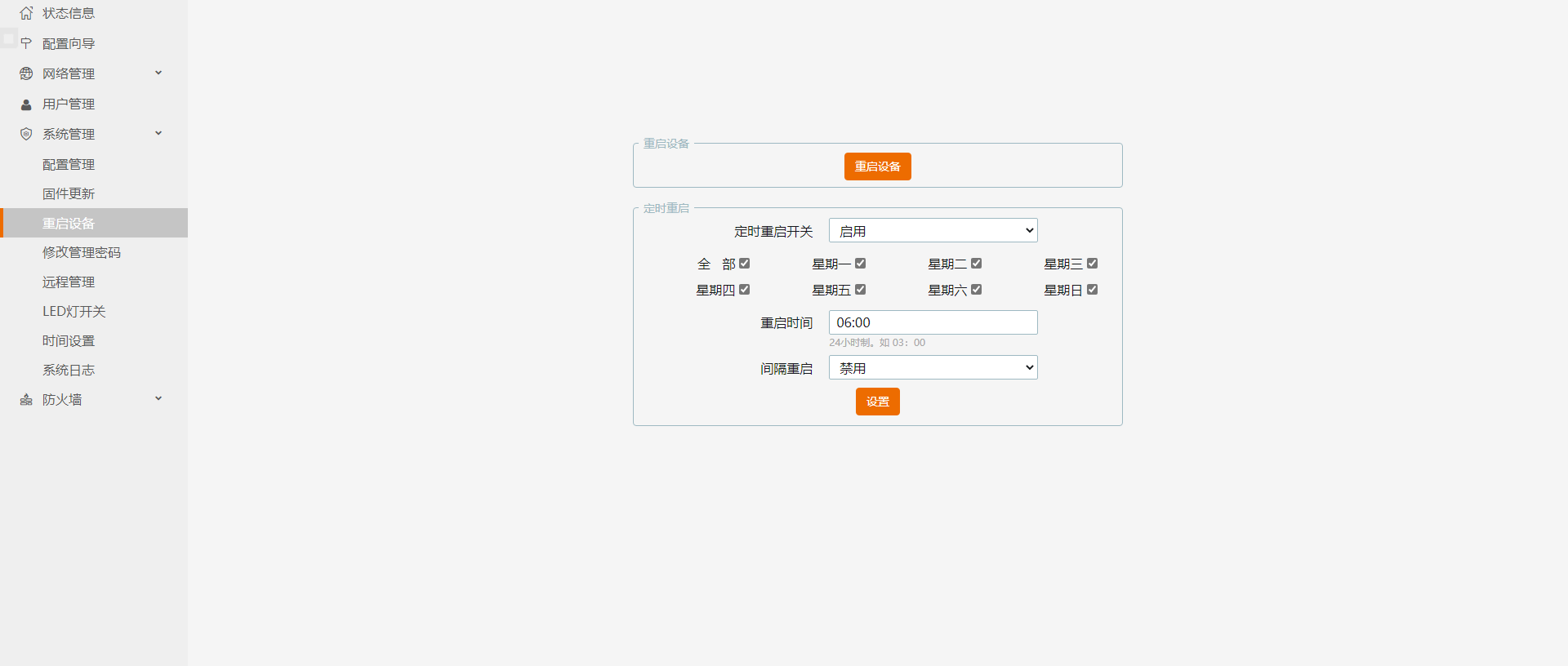
如何确认路由器登录和重启接口
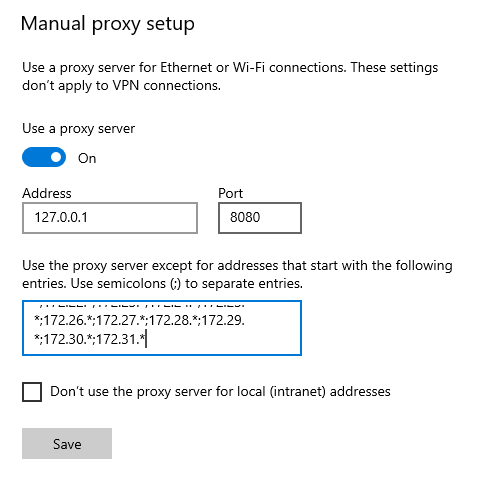
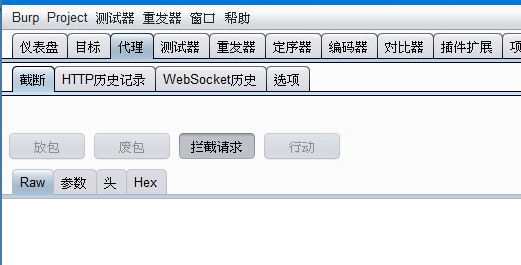
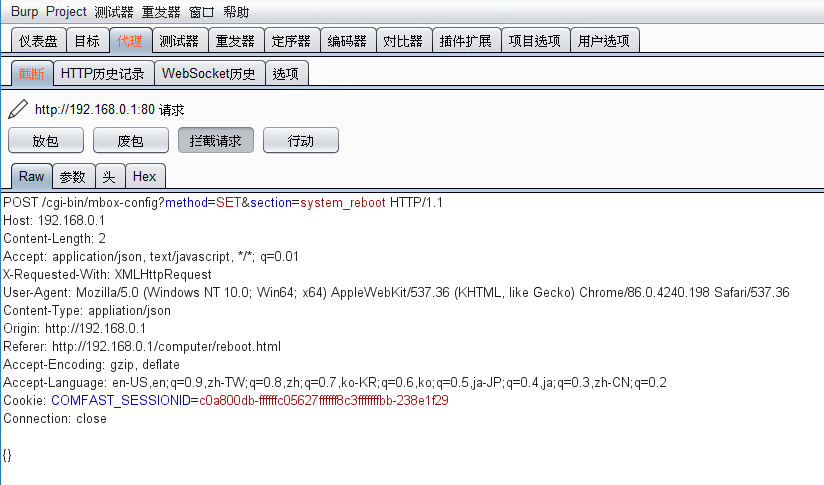
优先查设备厂商文档或本地后台的开发接口。只有没有文档时,才在自己的设备上使用浏览器开发者工具或抓包代理观察请求。抓包期间不要访问其他账号,不要把代理证书长期留在系统中。
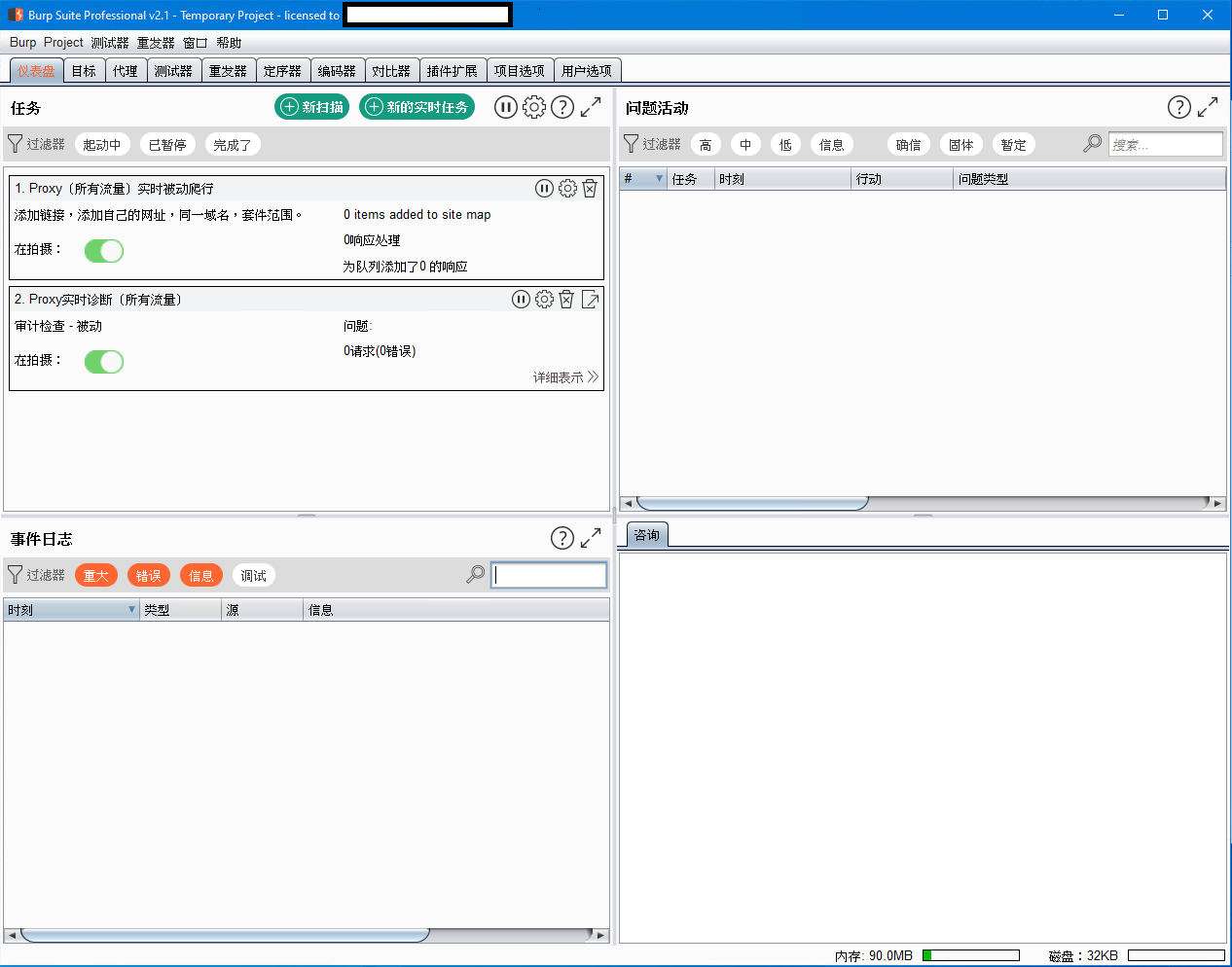
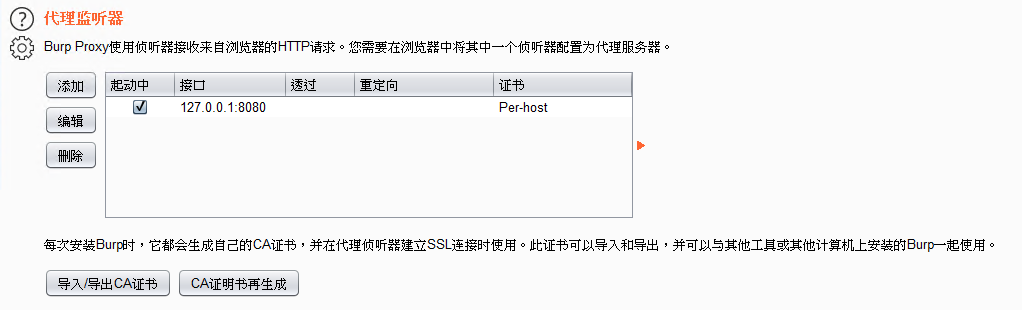
这台设备的登录接口是 /cgi-bin/login,重启接口是 /cgi-bin/mbox-config?method=SET§ion=system_reboot。其他品牌几乎肯定不同,不能直接复制路径。
使用 requests.Session 保持登录会话
路由器通常在登录响应中设置会话 Cookie。使用 requests.Session() 后,后续请求会自动携带同一会话,不需要把 Cookie 写死在代码里。密码从环境变量读取,避免提交到 Git 仓库。
import json
import os
from urllib.parse import urljoin

import requests


class RouterClient:
    def __init__(self, base_url: str, password: str) -> None:
        self.base_url = base_url.rstrip("/") + "/"
        self.password = password
        self.session = requests.Session()

    def post_json_text(self, path: str, payload: dict) -> dict:
        response = self.session.post(
            urljoin(self.base_url, path.lstrip("/")),
            data=json.dumps(payload),
            headers={"Content-Type": "application/json"},
            timeout=8,
        )
        response.raise_for_status()
        return response.json()

    def login(self) -> None:
        result = self.post_json_text(
            "/cgi-bin/login",
            {"username": "admin", "password": self.password},
        )
        if result.get("errCode") != 0:
            raise RuntimeError(f"Router login failed: {result}")


password = os.environ["ROUTER_PASSWORD"]
router = RouterClient("http://192.168.0.1", password)
router.login()
如果设备要求表单编码而不是 JSON,应按实际抓到的 Content-Type 调整。不要因为登录失败就关闭 TLS 校验或打印密码。
Python 自动重启路由器
确认登录成功后,再向设备专用的重启接口发送请求。重启会立即中断网络,计划任务应避开固件升级、远程办公和重要传输时段。
def reboot(self) -> None:
result = self.post_json_text(
"/cgi-bin/mbox-config?method=SET§ion=system_reboot",
{},
)
if result.get("errCode") != 0:
raise RuntimeError(f"Router reboot failed: {result}")
router.reboot()读取实时上传和下载速度
原设备的 system_usage 接口返回累计发送和接收字节数。间隔一秒读取两次,使用差值除以实际间隔即可估算速度。设备重启或计数器回绕时,差值可能变成负数,需要丢弃该次结果。
import time
def read_counters(client: RouterClient) -> tuple[int, int]:
data = client.post_json_text(
"/cgi-bin/mbox-config?method=GET§ion=system_usage",
{},
)
line = data["linedata"]
return int(line["tx_history"]), int(line["rx_history"])
previous_tx, previous_rx = read_counters(router)
previous_time = time.monotonic()
while True:
time.sleep(1)
current_tx, current_rx = read_counters(router)
current_time = time.monotonic()
seconds = current_time - previous_time
upload = max(0, current_tx - previous_tx) / seconds
download = max(0, current_rx - previous_rx) / seconds
print(f"upload={upload / 1024:.1f} KB/s download={download / 1024:.1f} KB/s")
previous_tx, previous_rx = current_tx, current_rx
previous_time = current_time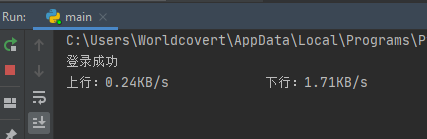
常见失败原因
- 接口路径或字段只适用于特定固件,升级后发生变化。
- 登录请求实际使用表单编码、哈希、随机盐或 CSRF Token。
- 路由器后台限制请求来源、Referer 或会话超时。
- 代码运行设备不在同一局域网,或后台管理被访客网络隔离。
- 频繁轮询造成低性能路由器负担,建议把间隔提高到 2-5 秒。
相关阅读
相关阅读:历史硬件实测:水星 D191G AC1900 路由器评测
Python 算法实验:2 的 n 次方能包含任意十进制序列吗?